IPTV just means watching TV over the internet instead of cable or a dish. Once you grab an iptv service and get your login info, you can be watching in like 5 minutes on most devices. This guide covers picking an IPTV subscription, setting it up, and fixing the annoying stuff when it breaks.
What Is IPTV and What Do You Need to Use It?
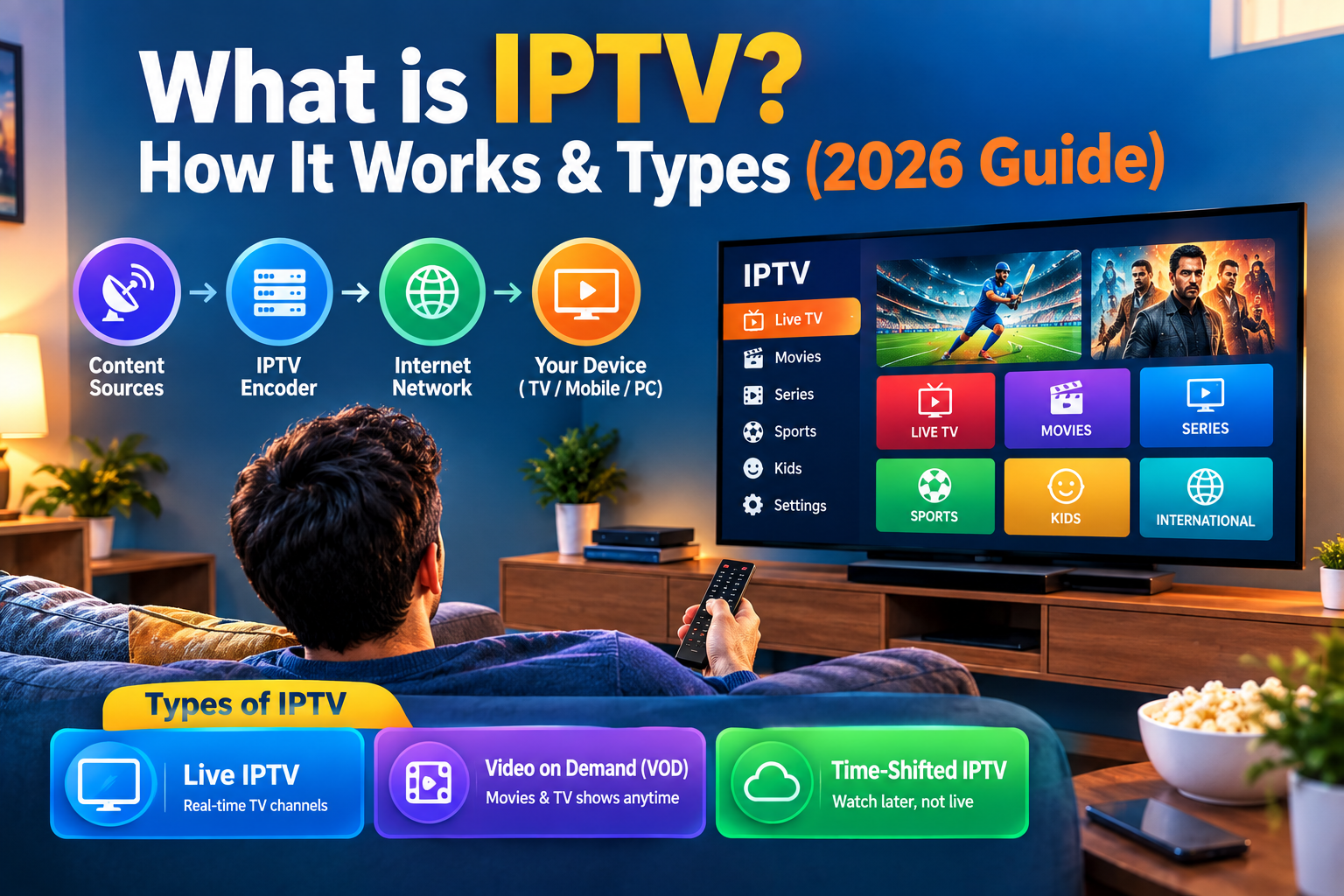
IPTV means Internet Protocol Television. That’s a fancy way of saying you stream channels over the internet instead of using a satellite dish or antenna. If you’re still stuck on What is IPTV, just picture Netflix, but for live channels, sports, and news.
Every IPTV provider works pretty much the same. You pay for an IPTV subscription, they send you a login or a playlist link, and you plug that into an IPTV app on your phone, TV, or laptop. That’s it. The channel streams live once it’s connected.
What You Need Before You Start
You need three things before you touch anything: your IPTV service like subscription info, decent internet, and a device that can run an IPTV app. Most providers email your login within a few minutes of paying, so check your inbox (and spam folder).
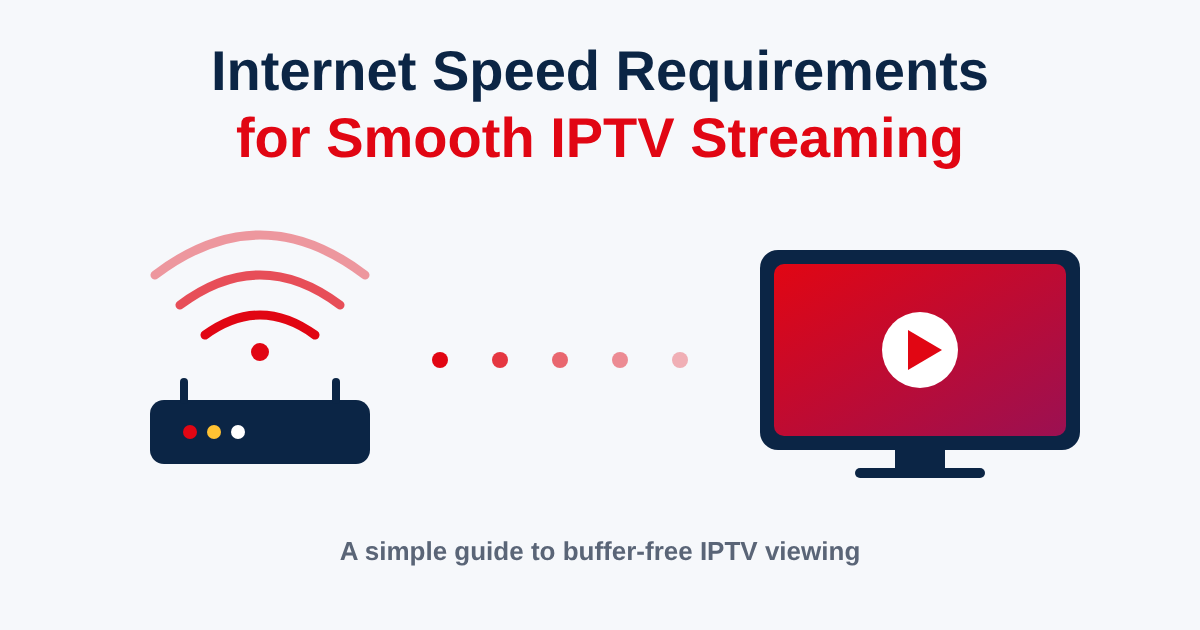
On internet speed, 10 Mbps is fine for normal channels. If you want HD or 4K, get at least 25 Mbps, especially if more than one person is streaming at home.
Step-by-Step: How to Set Up Your IPTV Subscription
Setting up your IPTV subscription really isn’t hard once you know what you’re doing. Providers usually give you one of two login types: an M3U playlist link or an Xtream Codes login.
Setting Up with an M3U Playlist URL
An M3U playlist is just a link that has all your channels bundled together.
- Open your IPTV app, like IPTV Smarters, TiviMate, or Perfect Player.
- Tap add new playlist.
- Paste the M3U playlist link your provider sent.
- Name it whatever, just something you’ll remember.
- Hit save and let it load your channels.
- Wait a minute while it builds the list.
If the channels don’t show up, check the link again. One missing letter and the whole thing breaks.
Setting Up with Xtream Codes Login
Xtream Codes skips the link and uses a username, password, and server address instead.
- Open your app and pick Xtream Codes login.
- Type in the server URL from your provider.
- Type in your username.
- Type in your password.
- Hit connect.
- Give it a minute to pull your channels in.
Xtream Codes usually loads faster and gives you extra stuff, like a built-in guide and a separate movies section.
Setting Up Your EPG (Program Guide)
An EPG, or electronic program guide, just shows what’s on now and what’s coming up next, like the old cable guide. Your provider usually gives you a separate link for this.
- Go into your app settings.
- Find the EPG option.
- Paste in the EPG link.
- Save it and restart the app.
- Check a channel to see if show times pop up.
If it’s still blank after that, the link was probably typed wrong, or the app just needs another restart to grab it.
How to Use IPTV on Every Device
You can run IPTV on basically anything with a screen. The app changes depending on the device, but logging in works the same everywhere.
Android Phones and Android TV Boxes
Android is the easiest one, honestly. Grab an app like IPTV Smarters Pro or TiviMate from the Play Store and log in with your playlist or Xtream Codes details. An IPTV Box running Android does the exact same thing, and it usually looks better on the big screen than streaming from a phone.
Samsung, LG, and Other Smart TVs
Smart TVs are a bit more annoying since Samsung and LG don’t let every app onto their store. Most people either use a browser player or sideload an app with a USB stick, then log in the usual way.
Amazon Fire TV Stick
The Fire Stick is probably the most popular option for home setups. Install IPTV Smarters or Downloader from the app store and drop in your playlist link. Plug it into any HDMI port and your regular TV basically becomes a smart TV.
Windows, Mac, and Linux
On a computer, apps like VLC, Perfect Player, or Kodi handle IPTV just fine. In VLC, just open the network stream option and paste your M3U link in. Good backup option if your main device ever acts up.
iPhone and iPad
Apple only lets you install from the App Store, so grab IPTV Smarters or GSE Smart IPTV there. After that, add your playlist link or Xtream Codes login the same way you would on Android.
Game Consoles (Xbox, PlayStation)
Neither console has an official IPTV app, but you can still watch through the built-in browser or by casting from your phone. It’s clunky though, so most people just use a Fire Stick or Android box instead.
Types of IPTV Services
IPTV isn’t just one thing, it’s actually a few different ways of watching stuff.
Live TV
Live TV is the main reason people get IPTV in the first place. You get real-time channels covering sports, news, and shows from all over, including Indian IPTV Channels if you’re watching with family.
Video on Demand (VOD)
VOD is basically the movie and show library, kind of like Netflix. Most providers throw this in alongside your live channels, so you get both in the same app.
Time-Shifted / Catch-Up TV
Catch-up TV lets you go back and watch something that already aired, usually from the past few days. Not every IPTV subscription has this, so it’s worth checking before you count on it.
Near Video on Demand (NVOD)
NVOD isn’t that common anymore, but it plays the same show on a few channels, each one starting a bit later than the last, so you can jump in without waiting.
Pros and Cons of IPTV
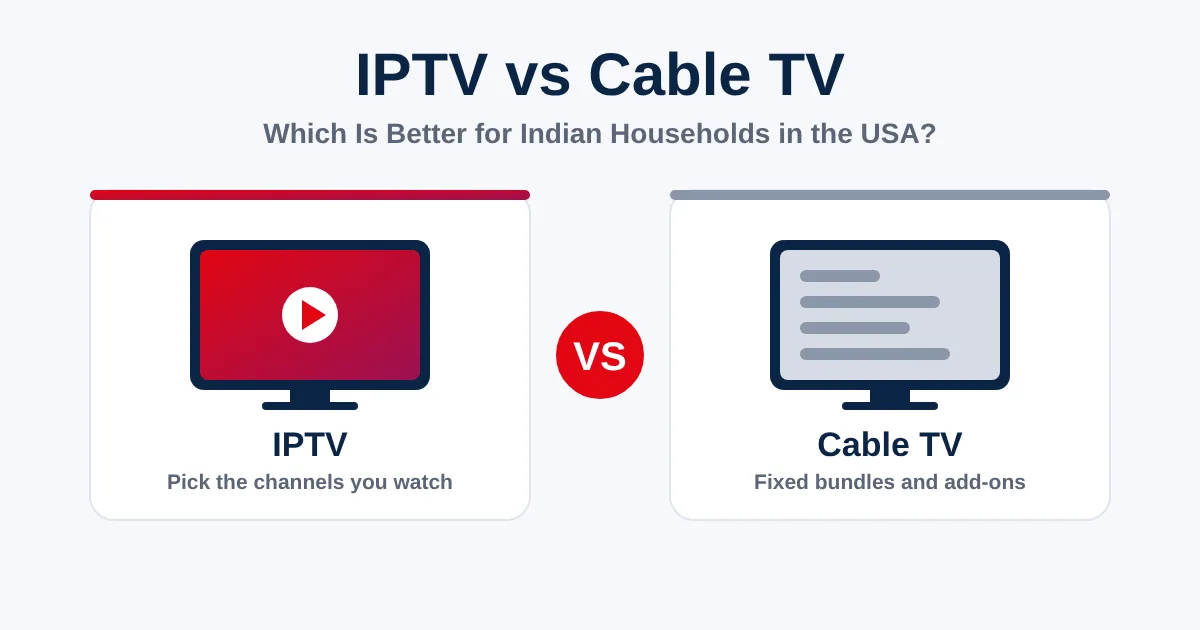
IPTV has some real perks over cable, but it’s not perfect either.
| Pros of IPTV | Cons of IPTV |
| Buffering or freezing | Use a wired connection, drop the stream quality, or restart your router |
| Channels not loading / playlist errors | Recheck your M3U link for typos, or grab a fresh one from your provider |
| Xtream Codes login failing | Double check the server, username, and password are exact |
| EPG not populating | Re-add the EPG link and restart the app |
| Black screen or no signal | Restart the app, check your internet, or try another channel |
| App crashing after update | Clear the cache or just reinstall the app |
| Connection limit reached | Log out old devices, since most plans cap active streams |
| No sound or audio out of sync | Restart the stream, or try a different audio track |
Is It Safe and Legal to Use IPTV?
IPTV itself is totally legal, it’s just a way of sending video over the internet. The real question is whether the IPTV provider actually owns the rights to the channels they’re selling. A legal, licensed IPTV service pays for that content, same as any cable company would.
Staying safe just comes down to picking a provider that’s been around, takes secure payments, and actually answers questions. If a deal looks way too cheap and nobody replies to emails, that’s a red flag.
How to Fix Common IPTV Problems
Most IPTV problems come from the same few causes, and you can usually fix them yourself in a couple of minutes.
- Buffering or freezing: use a wired connection, lower the stream quality, or restart your router
- Channels not loading / playlist errors: recheck your M3U link for typos, or get a fresh one from your provider
- Xtream Codes login failing: double-check that the server, username, and password are correct
- EPG not populating: add the EPG link again and restart the app
- Black screen or “no signal”: restart the app, check your internet connection, or try another channel
- App crashing after an update: clear the cache or reinstall the app
- “Connection limit reached” errors: log out of older devices, as many plans limit the number of active streams
- No sound or audio out of sync: restart the stream or try a different audio track
If none of these steps work, the problem may be on the provider’s end. Contact their support team or check their service status page. For viewers using IPTV in the USA, checking whether the issue affects other channels or devices can also help narrow down the cause.
Do You Need a VPN for IPTV?
No, a VPN is not required for IPTV, although some people use one for added privacy. A VPN can hide your streaming activity from your internet provider and may be useful when accessing services while travelling.
It can also help in situations where certain content or services are restricted by region. If you’re watching IPTV in the United States, choose a VPN with fast and reliable servers if you decide to use one, as a slow connection can lead to more buffering.
Tips to Improve Your IPTV Streaming Experience
A few simple adjustments can make a noticeable difference to your streaming experience, regardless of which IPTV service you use.
- Use a wired connection instead of Wi-Fi where possible
- Match your internet speed to the video resolution you’re watching
- Keep your IPTV apps and playlists updated
- Avoid overloading your connection with too many simultaneous streams
Frequently Asked Questions
How do I set up IPTV for the first time?
Get your login from the provider, download an IPTV app, then add your M3U playlist link or your Xtream Codes username and password.
What is an M3U playlist?
It’s a text link that holds every channel in your IPTV subscription, and your app reads it to build your channel list.
What’s the difference between M3U and Xtream Codes?
M3U is one playlist link for everything. Xtream Codes uses a username, password, and server address, and usually comes with a built-in guide too.
How do I set up an EPG on IPTV?
Head into your app settings, find the EPG option, paste in the link your provider gave you, then restart the app so it loads.
Can I use IPTV on multiple devices at once?
Depends on your plan. Most IPTV subscriptions cap how many devices can stream together, so check that limit first.
Which IPTV player is easiest to use?
IPTV Smarters Pro is usually the easiest IPTV player for beginners since it works on Android, iOS, and Fire Stick with a pretty simple setup screen.
Is IPTV legal?
Yeah, IPTV as tech is legal. Whether the specific service is legal depends on if they actually hold the rights to the channels they’re offering.
Why is my IPTV buffering or freezing?
Usually it’s slow internet, a weak Wi-Fi signal, or too many devices sharing one connection. Plugging in a wired connection fixes it more often than not.
Do I need a VPN to use IPTV?
No, it’s optional. It just adds privacy and can stop your provider from throttling you, but IPTV runs fine without it.
Can I use IPTV without a set-top box?
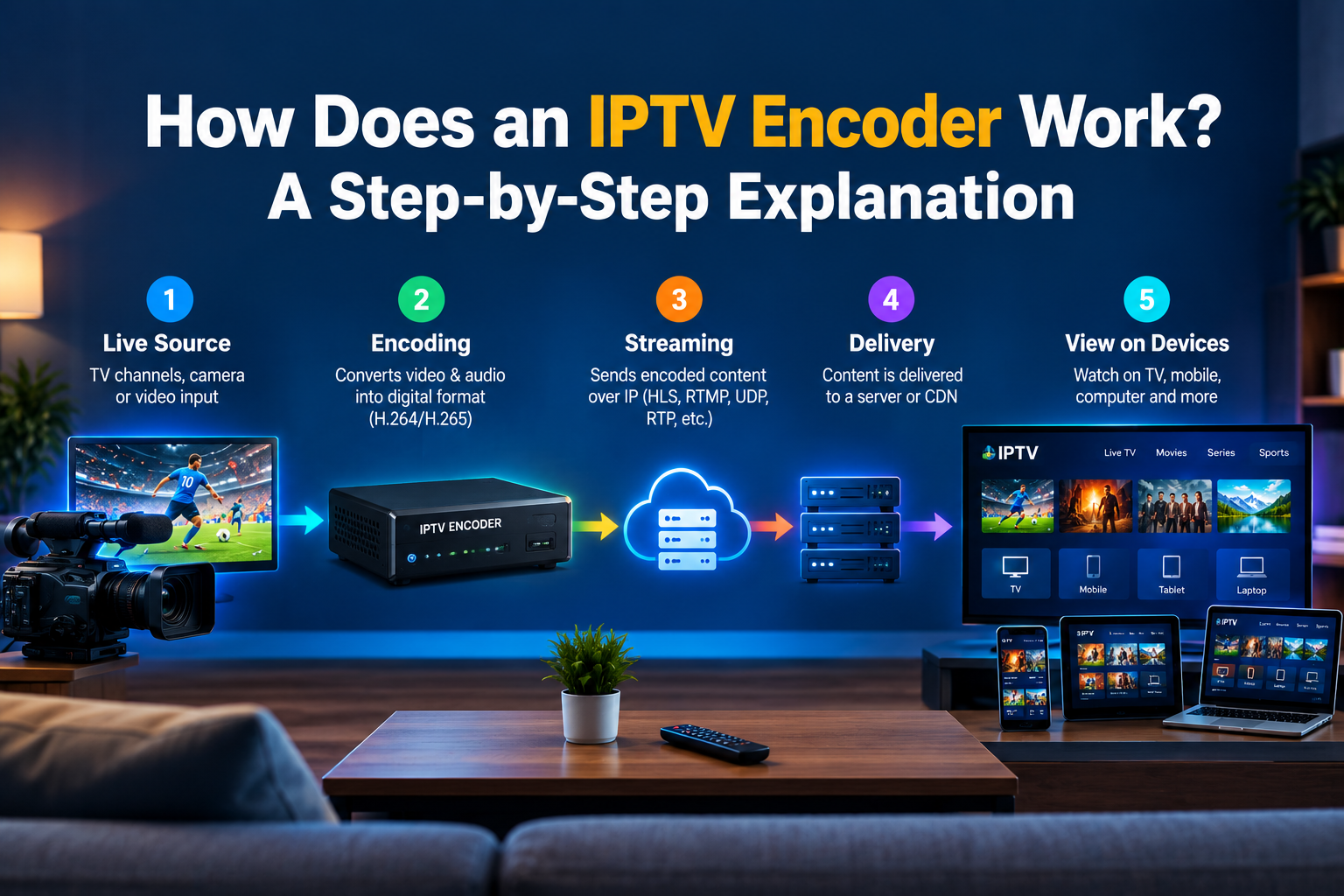
Yep. You can watch on a phone, laptop, smart TV app, or Fire Stick without ever buying a set-top box or IPTV encoder for home use.