TV has changed a lot lately. Instead of cables or satellite dishes, many homes now watch shows through the internet, and this method is fast becoming the top choice for cord cutters across the USA.
Right from the start, it helps to know that not every IPTV service works the same way. Some focus only on live TV channels, while others add movies and shows on demand too. Picking the right IPTV service shapes your whole viewing experience.
What Does IPTV Stand For?
The letters stand for Internet Protocol Television. In plain words, it means TV sent through the internet instead of old cable lines or a satellite dish. Your shows travel as data, the same way a website loads on your phone.
This is not the same as downloading a movie. The video plays in real time as it arrives, so you do not wait for a full download first. As long as your internet speed stays steady, the picture keeps moving without long pauses.
How Does IPTV Work?
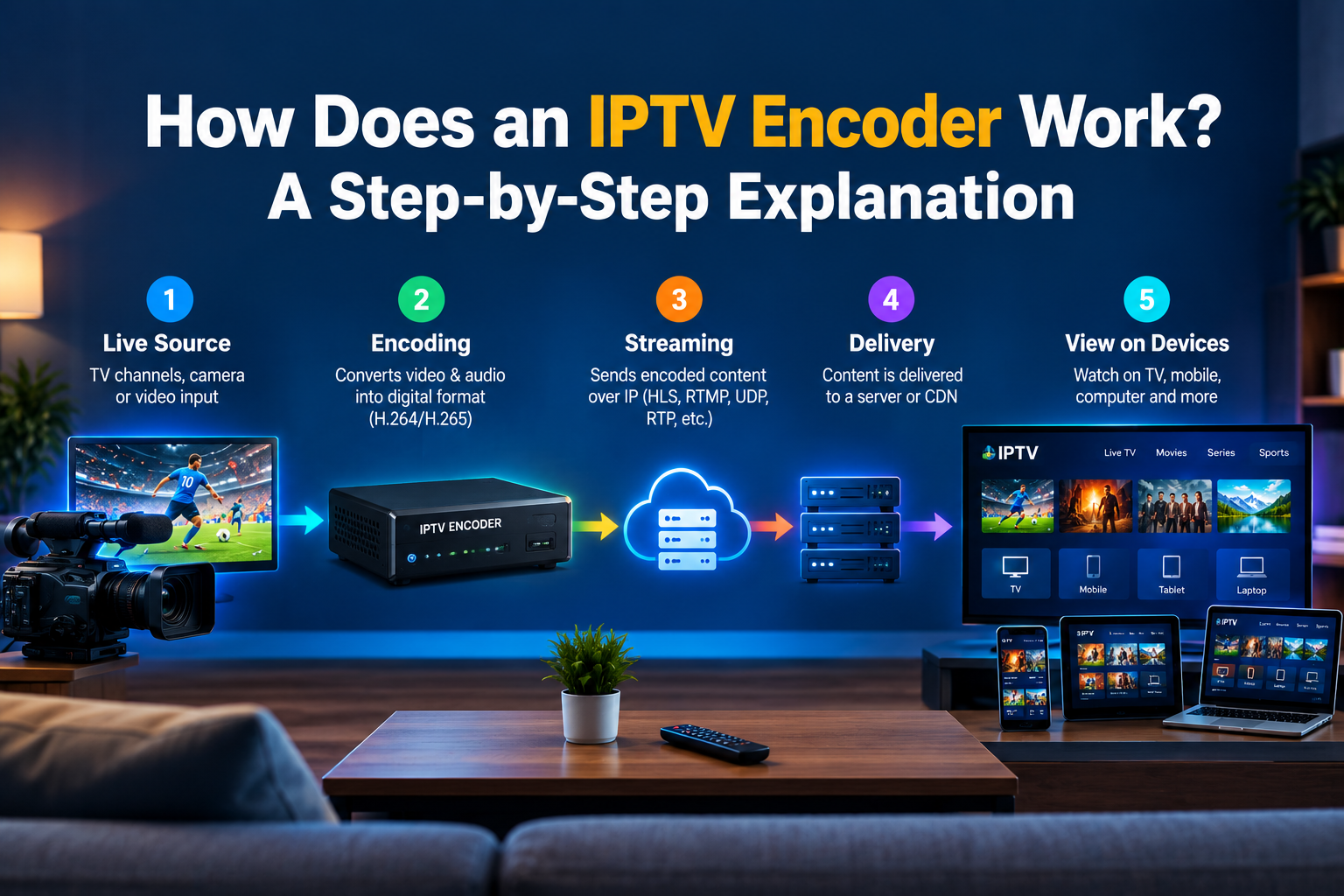
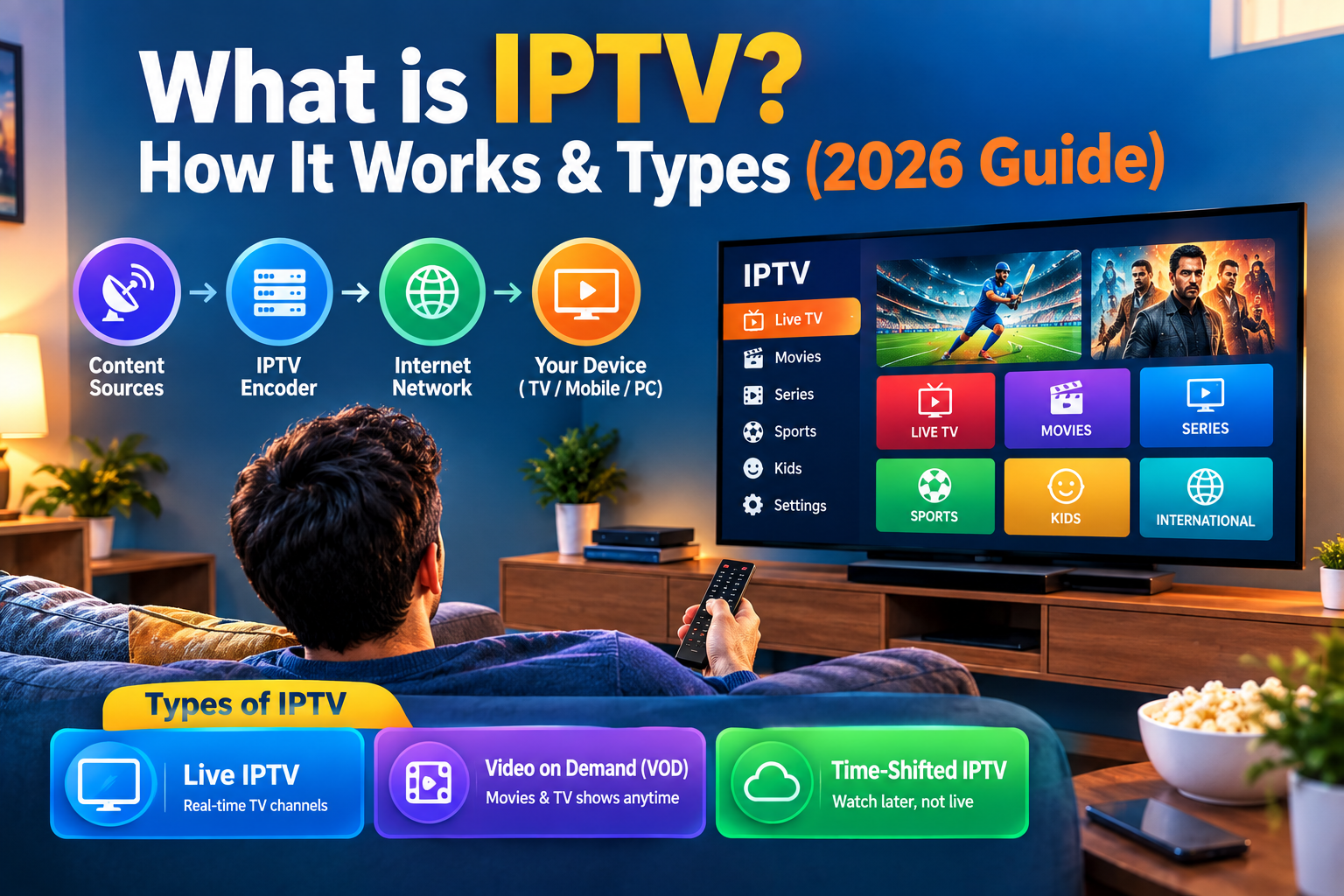
The idea sounds technical, but it is fairly simple once broken down. Content moves through a few clear steps before it lands on your screen, and each step plays its own part in keeping the stream smooth.
Content Acquisition
Every IPTV provider needs shows to send out to its IPTV channels. This content comes from TV networks, sports leagues, and movie studios. The provider gathers these live feeds and video files, then gets them ready for the next stage. Without strong sources, no streaming service holds much value.
Encoding and Compression
Raw video files are large. To send them across a network without wasting bandwidth, they need to shrink down first. This is the job of an IPTV encoder. Encoding and compression cut file size while keeping video quality sharp, even at HD or 4K resolution.
Middleware and Content Management
Middleware works behind the scenes to keep things organized. It builds the channel guide, manages accounts, and runs the IPTV app you see on screen. Solid middleware means fewer glitches, smoother content delivery, and a cleaner experience overall for anyone using the service.
Delivery Over the IP Network
Once content is encoded, it moves across the internet in small packets. This content delivery step depends heavily on your internet connection and the provider’s own network setup. Weak bandwidth or high latency can lead to buffering, so a stable connection really counts here.
Decoding and Playback on Your Device
The final step happens on your end. An IPTV Box, Smart TV, or IPTV player decodes the stream and turns it back into a clear picture. With a solid device and steady internet speed, playback should look sharp in HD, or even 4K.
Types of IPTV Services
Not every setup works in the same way. Most providers mix a few formats so viewers get what they want, when they want it. Here is a quick look at the main options:
- Live IPTV: channels play in real time, just like normal broadcast TV
- Video on Demand (VOD): movies and shows you choose and watch anytime
- Time-shifted and catch-up TV: rewatch something that already aired
- Near Video on Demand (NVOD): the same show starts at set times across different channels
1. Live IPTV
Live IPTV streaming mirrors old-school TV. You get sports, news, and full IPTV channels running as live TV, in real time. This is the closest match to cable TV or satellite TV, just carried through an IPTV provider’s network instead of a dish or wire.
2. Video on Demand (VOD)
VOD gives you a large library of shows and movies to pick whenever you feel like it. This looks a lot like typical OTT streaming apps, and it is a big reason people like having an IPTV Subscription in the first place.
3. Time-Shifted TV and Catch-Up TV
Missed last night’s episode? Time-shifted TV lets you go back and watch it later. This comes in handy for busy US viewers who cannot always sit down right when a show airs live.
4. Near Video on Demand (NVOD)
NVOD starts the same content again every so often, say every thirty minutes. It gives a feel of picking your own start time, without needing a full video on demand system running behind it.
IPTV vs. Cable, Satellite, and OTT Streaming
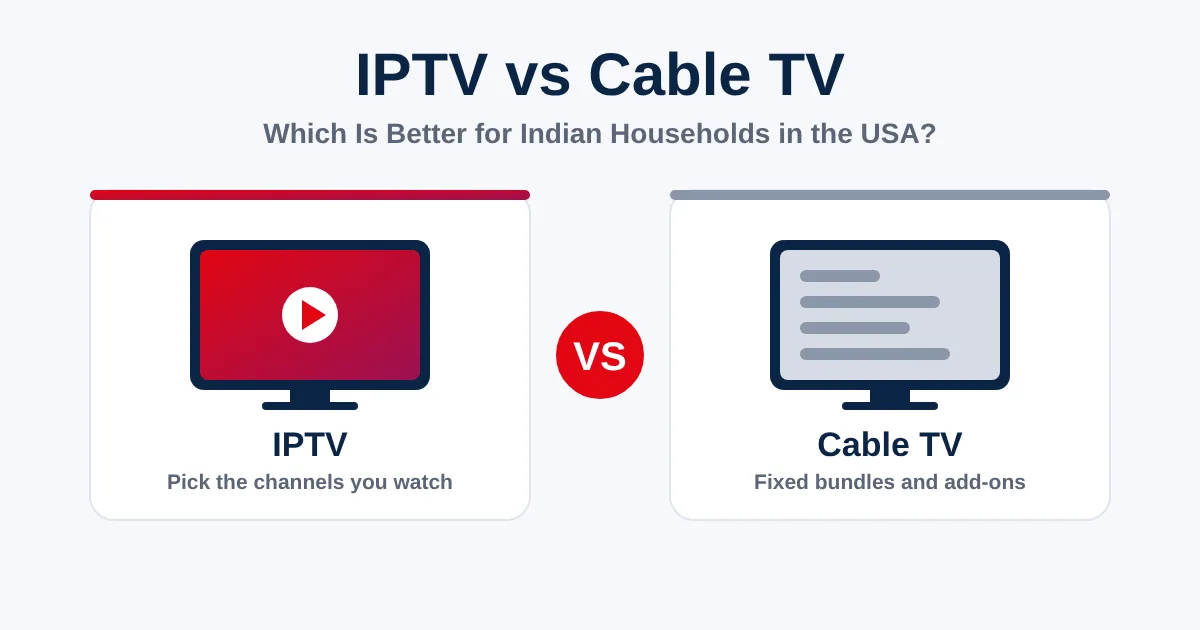
People mix up IPTV with cable TV, satellite TV, and regular OTT apps all the time. They can look alike on screen, yet the way each one works is quite different. The table below lays out the key differences in plain terms.
| Feature | IPTV | Cable/Satellite | OTT |
| Delivery method | Internet Protocol network | Coaxial cable or satellite dish | Public internet, app based |
| Network type | Managed IP network | Dedicated broadcast network | Shared public network |
| Equipment needed | IPTV Box or app | Set top box or dish | Smart TV or streaming device |
| Live TV channels | Full lineups included | Full lineups included | Limited, varies by app |
| On-demand library | Often included | Sometimes limited | Usually large |
| Typical monthly cost | Low to moderate | Higher | Low to moderate |
| Contract requirement | Usually none | Often required | Usually none |
| Device flexibility | High, many devices | Low, fixed hardware | High, many devices |
| Internet dependency | Fully dependent | Not dependent | Fully dependent |
Is IPTV the Same as OTT Streaming?
Not quite. Both rely on the internet, but this kind of TV often runs on a managed network built for TV delivery, which can mean steadier video quality. OTT streaming, like Netflix, runs over the open internet and shares bandwidth with everything else online.
Is IPTV Legal in the United States?
Yes, this method of watching TV is completely legal on its own. It is simply a way of sending TV content over a network, and many large cable companies use the same technology themselves. What matters is whether the provider holds proper rights to the channels it offers.
Some cheap or shady providers stream content without permission, and that is where real trouble starts. Sticking with a known, trusted streaming service is the smart move for legality and safety alike.
What Do You Need to Watch IPTV?
Getting started does not take much at all. You need a decent internet connection, a compatible device, and a subscription from a real provider, and you are ready to start watching.
1. Internet Speed Requirements
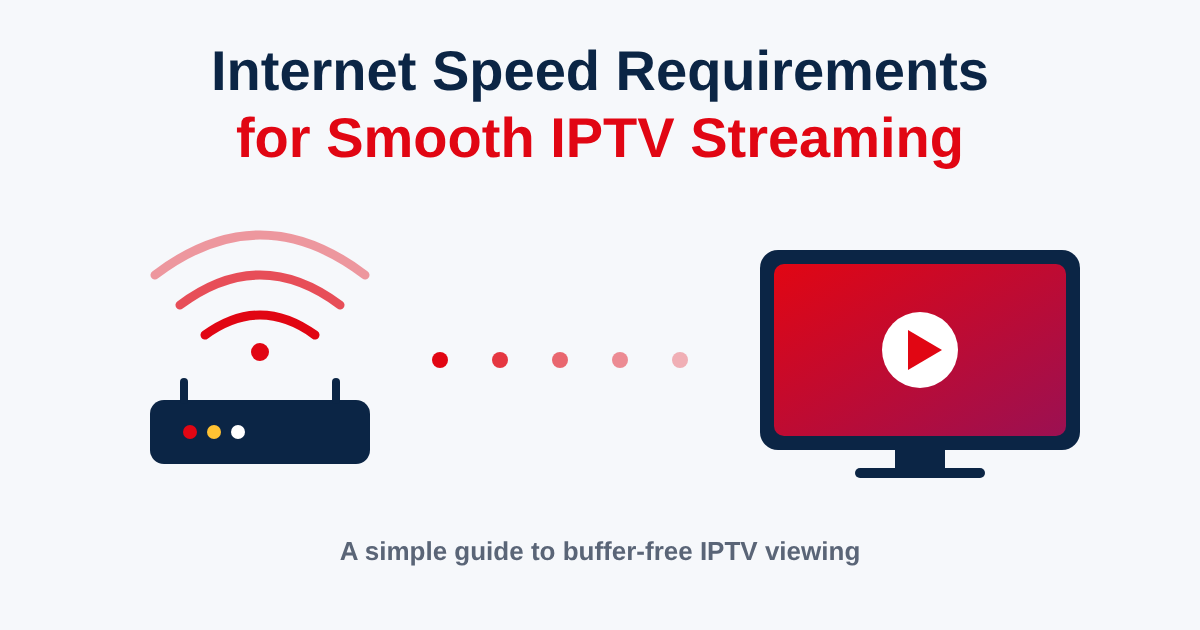
Internet speed decides how smooth your stream looks on screen. For standard definition, or SD, a slower connection works fine. For HD, aim higher, and for 4K, you will want a fast, stable connection to dodge buffering during busy hours.
2 .Compatible Devices
This works on more devices than most people expect. A Smart TV, Fire TV Stick, Android TV box, phone, or tablet can all run the app. Any streaming device with app support and a solid internet connection should handle video streaming just fine.
3. A Subscription From a Provider
You will also need an active IPTV Subscription from a real provider. This gives you access to the channel list, the on-demand library, and support if something breaks. Choosing a provider with solid reviews saves a lot of future headaches.
Who Is IPTV Best For?
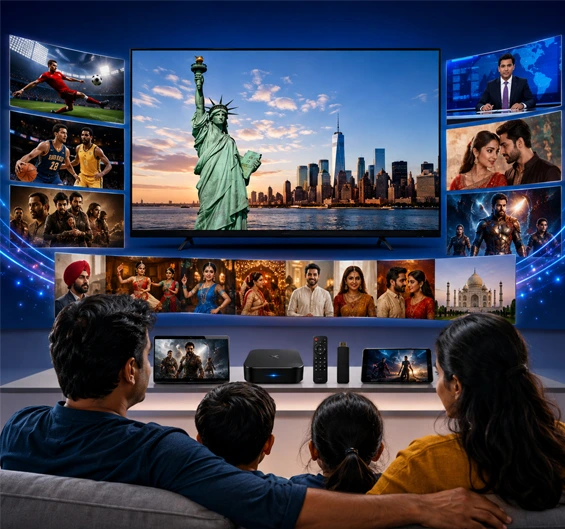
This setup fits people who want more control over their TV. Cord cutters who dropped cable TV, sports fans chasing niche channels, and families who travel often all gain from the flexibility that IPTV streaming brings.
It also suits anyone tired of long contracts and rising cable bills. Since most providers skip contracts, you can switch or cancel your IPTV subscription without the hassle tied to traditional TV setups.
Frequently Asked Questions
What does IPTV stand for?
It stands for Internet Protocol Television, meaning TV content sent through the internet instead of cable lines or a satellite dish.
What internet speed do I need for IPTV?
A stable connection of at least 15 to 25 Mbps is usually enough for HD, while 4K content needs more bandwidth to avoid buffering.
How is IPTV different from Netflix and other OTT services?
This kind of TV often runs on a managed network with a full live TV channel lineup, while OTT streaming services mostly lean on on-demand video libraries.
Do I need a set-top box for IPTV?
Not always. Many providers offer an app for Smart TVs, phones, and streaming devices, so a dedicated IPTV Box is optional rather than required.
Can I use IPTV on multiple devices at once?
This depends on your subscription plan. Many providers allow two or three screens running at the same time under one active plan.
Is IPTV cheaper than cable TV?
In most cases, yes. Plans tend to cost less than traditional cable TV or satellite TV packages, especially since there is usually no long contract involved.
Is there free IPTV?
Free options exist, but much of that content comes from unlicensed sources. A paid, legal streaming service is a safer and steadier choice for daily viewing.
Does IPTV work without the internet?
No. It depends fully on an internet connection. Without a working network, the stream simply cannot load or play on your device at all.
Can my ISP block IPTV?
Some internet providers may throttle bandwidth during heavy streaming hours. This can affect video quality, but it rarely blocks the service outright.
Conclusion
IPTV has quickly become one of the easiest ways to watch live TV channels and video content without cable boxes or satellite dishes.
It runs over your internet connection, works across many devices, and gives US viewers real freedom of choice.
If you are thinking about switching, compare a few IPTV service options, check your internet speed, and pick a provider with a track record you trust. A little research now saves plenty of frustration later.